Practice management for allied health
Run your practice from one calm workspace.
PRAMSO brings your schedule, client information, billing and online booking together, and gives your clients a simple way to book with you.
For counsellors, physiotherapists, chiropractors, massage therapists and other allied health practices in Canada.
How it fits together
One place for the daily work of a practice
The same schedule that clients book into is the one you work from, and billing follows the appointments it belongs to.
Schedule
See the week at a glance, set each practitioner's availability, and block time when you are not bookable.
Clients
Keep client contact details and status organised, and see who has appointments coming up.
Billing
Create invoices, record payments, and take online payments through your own Stripe account.
Online booking
Clients book from your practice's own website, against the availability you have set.
Schedule
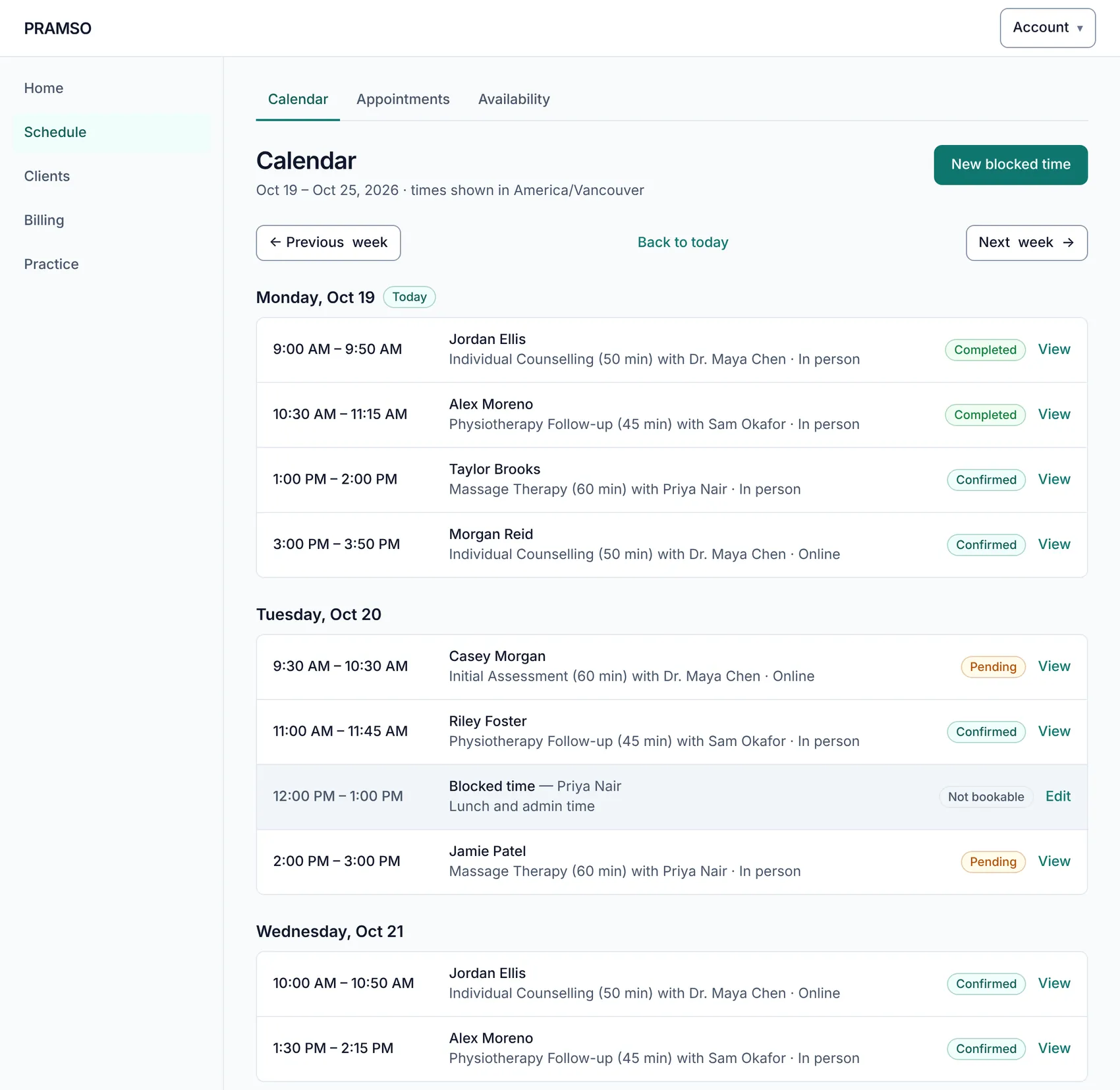
Your week, clear at a glance
Every appointment shows its time, client, service, practitioner and status. Set weekly hours for each practitioner, add days off or different hours for a specific date, and block time that should not be booked.
- A day-by-day calendar for the whole practice
- Weekly availability per practitioner, with exceptions for specific dates
- Blocked time for admin, lunch or anything else
Clients and appointments
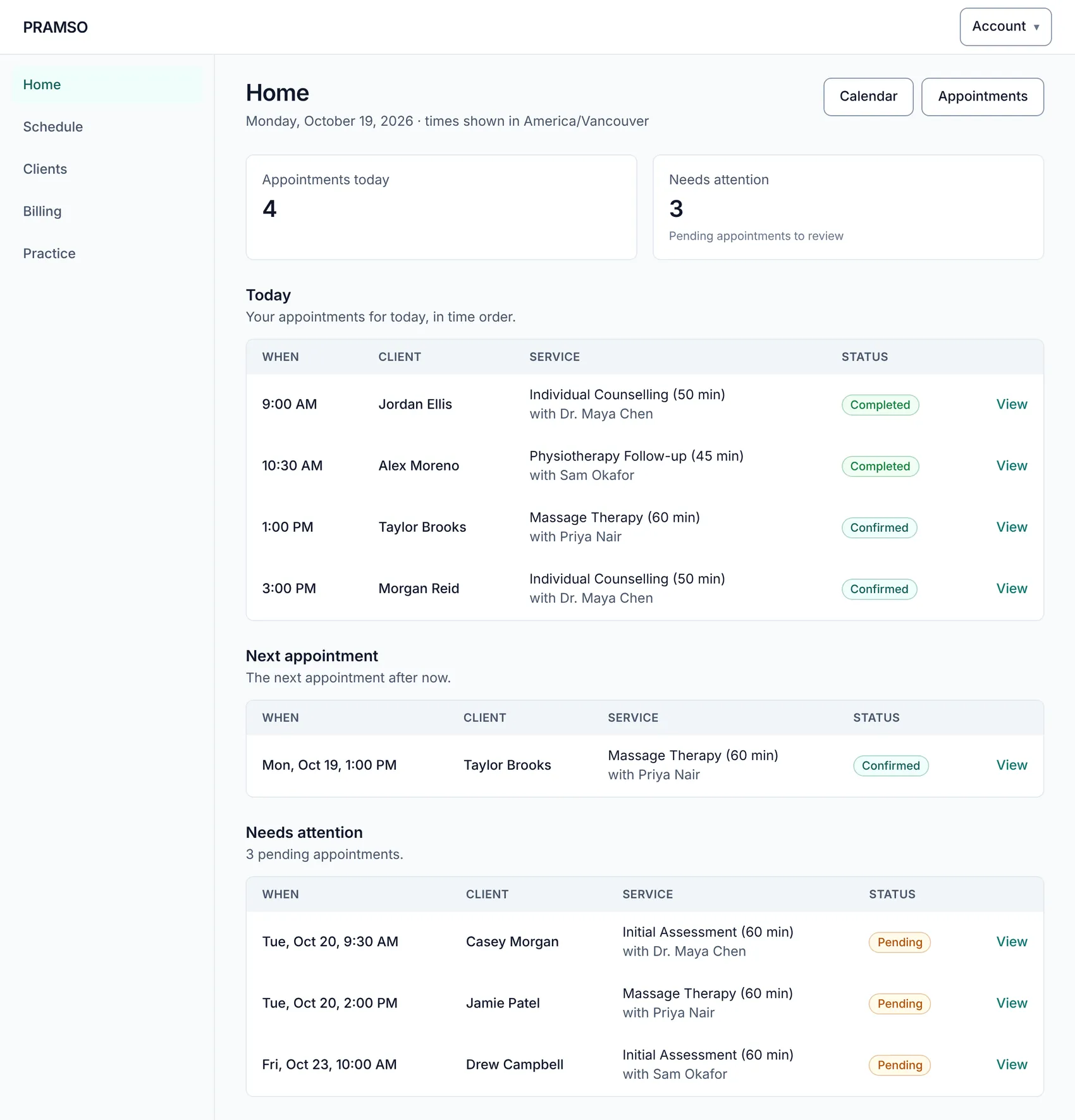
Client information that stays organised
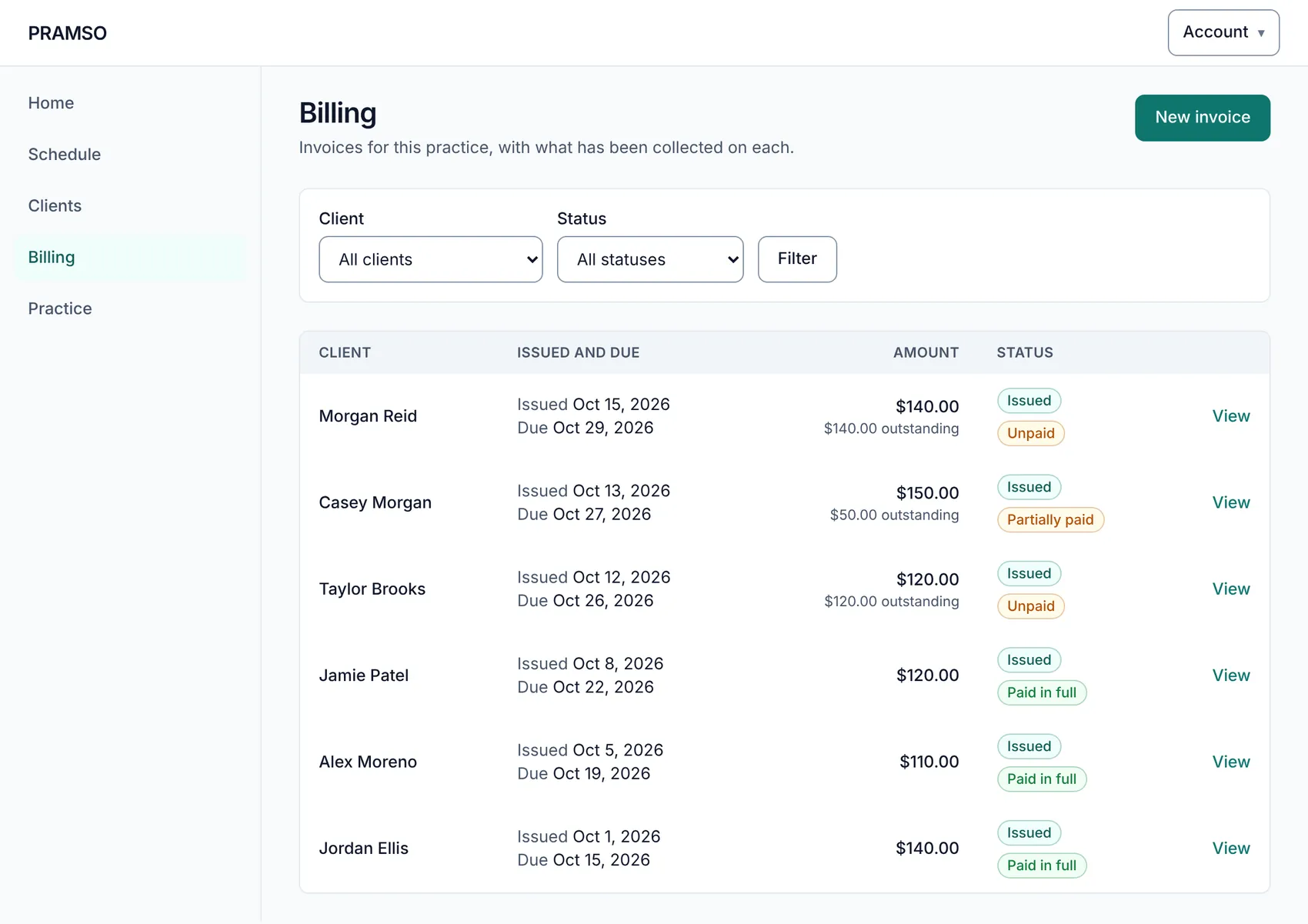
Keep contact details and client status in one list, and see who has appointments coming up. Open any appointment to confirm, reschedule or cancel it.
- Add and update client details, and archive clients you no longer see
- Upcoming appointments shown against each client
- Appointment statuses you can follow from pending to completed
Billing
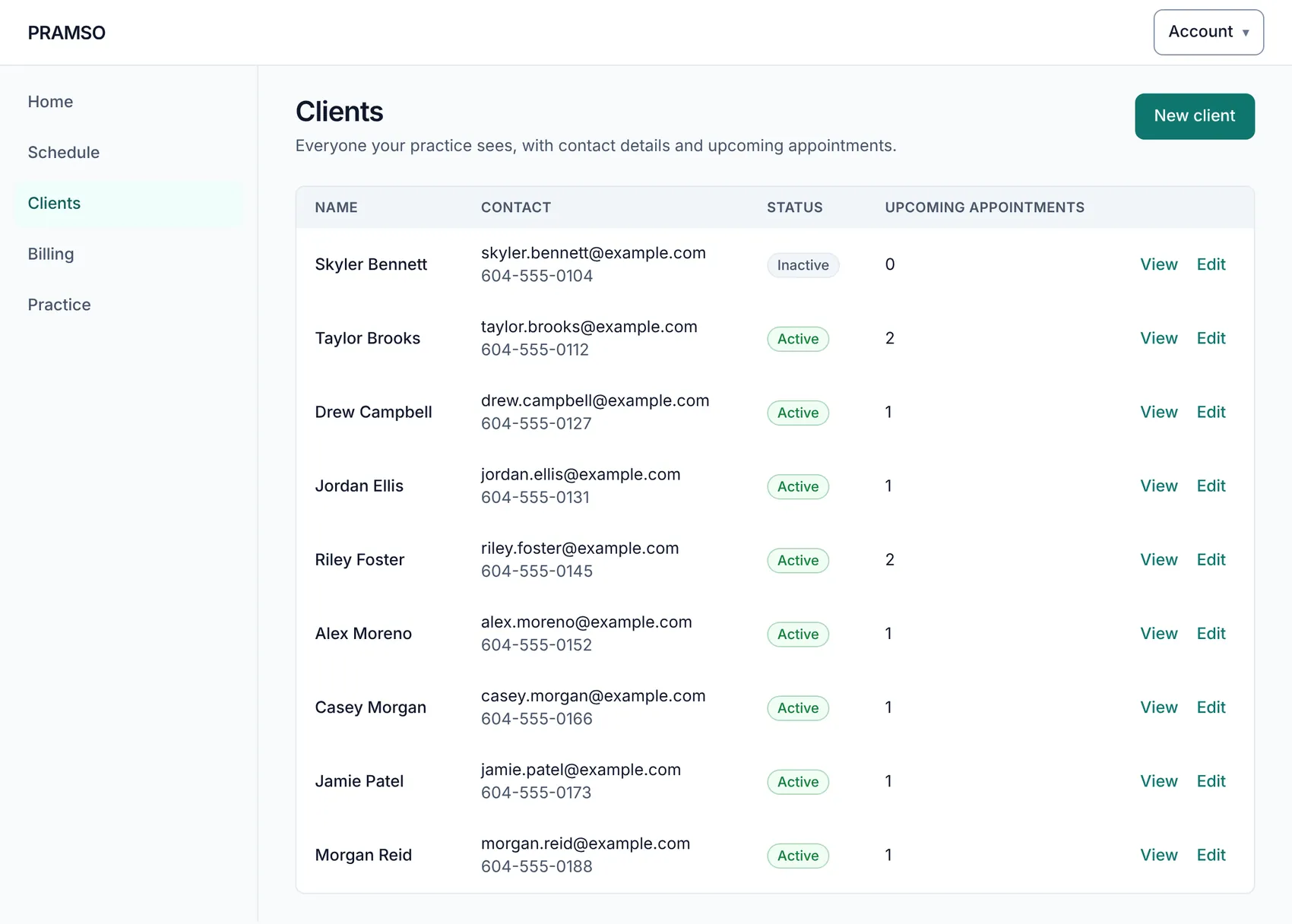
Invoices and payments, kept with the appointment
Create invoices, see at a glance which are paid, partly paid or outstanding, and record payments you receive. Connect your own Stripe account so clients can pay an invoice online, in Canadian dollars.
- Invoice list with clear paid, outstanding and draft states
- Record payments, adjustments and refunds with a clear history
- Online payments handled by Stripe, paid to your Stripe account
Your practice, set up once
A practice website your clients can book from
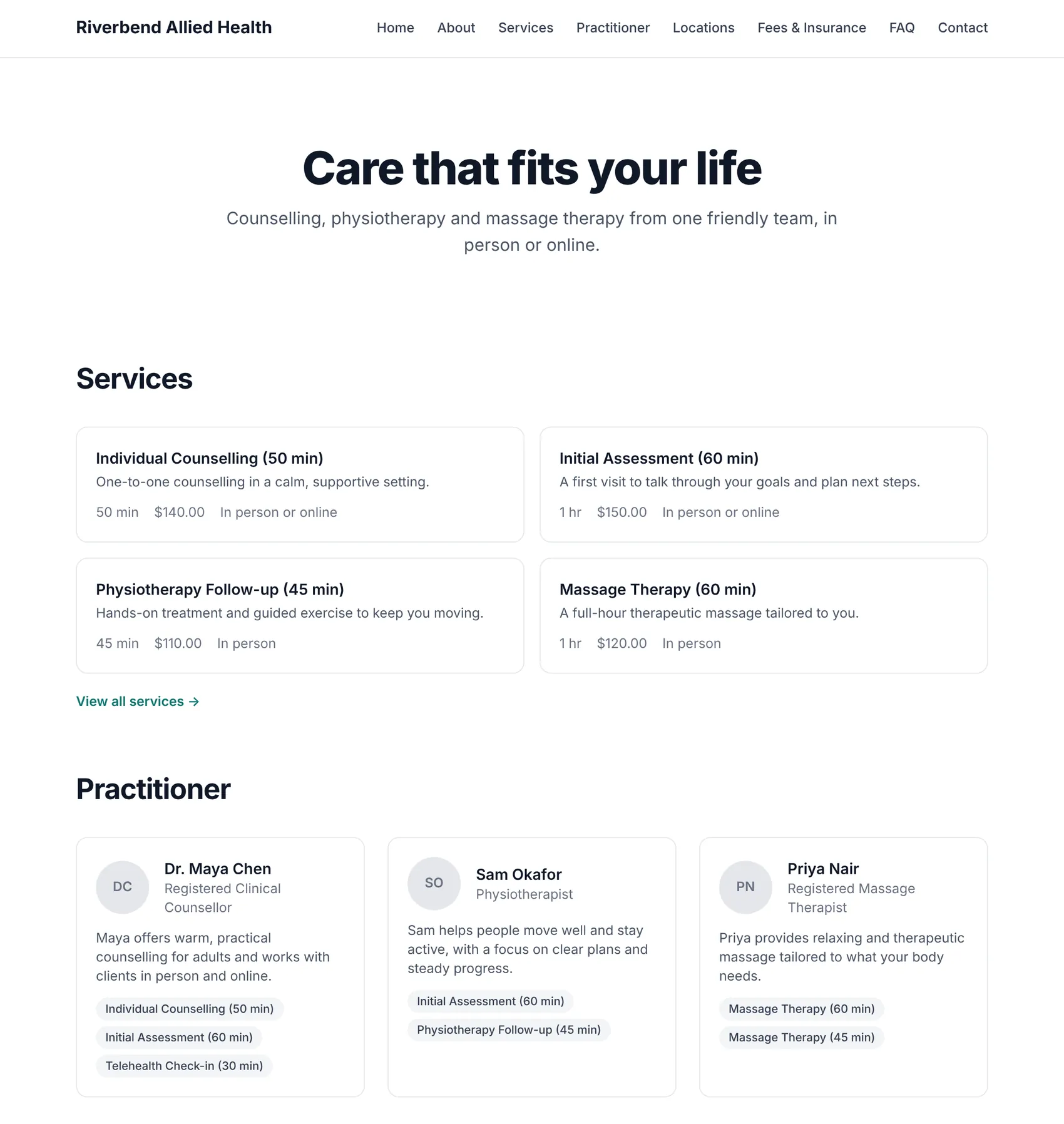
Add your services, locations and team once. PRAMSO gives your practice its own website at a PRAMSO address, with a Book Appointment button that follows the availability you set.
- Services with length and price, locations and practitioners
- Your practice name, branding and wording
- Pages for services, practitioners, locations, fees, FAQ and contact
Solo practices and growing clinics
Starts simple, grows with your team
If you practise on your own
If you run a clinic
For your clients
A simple way to book and manage visits
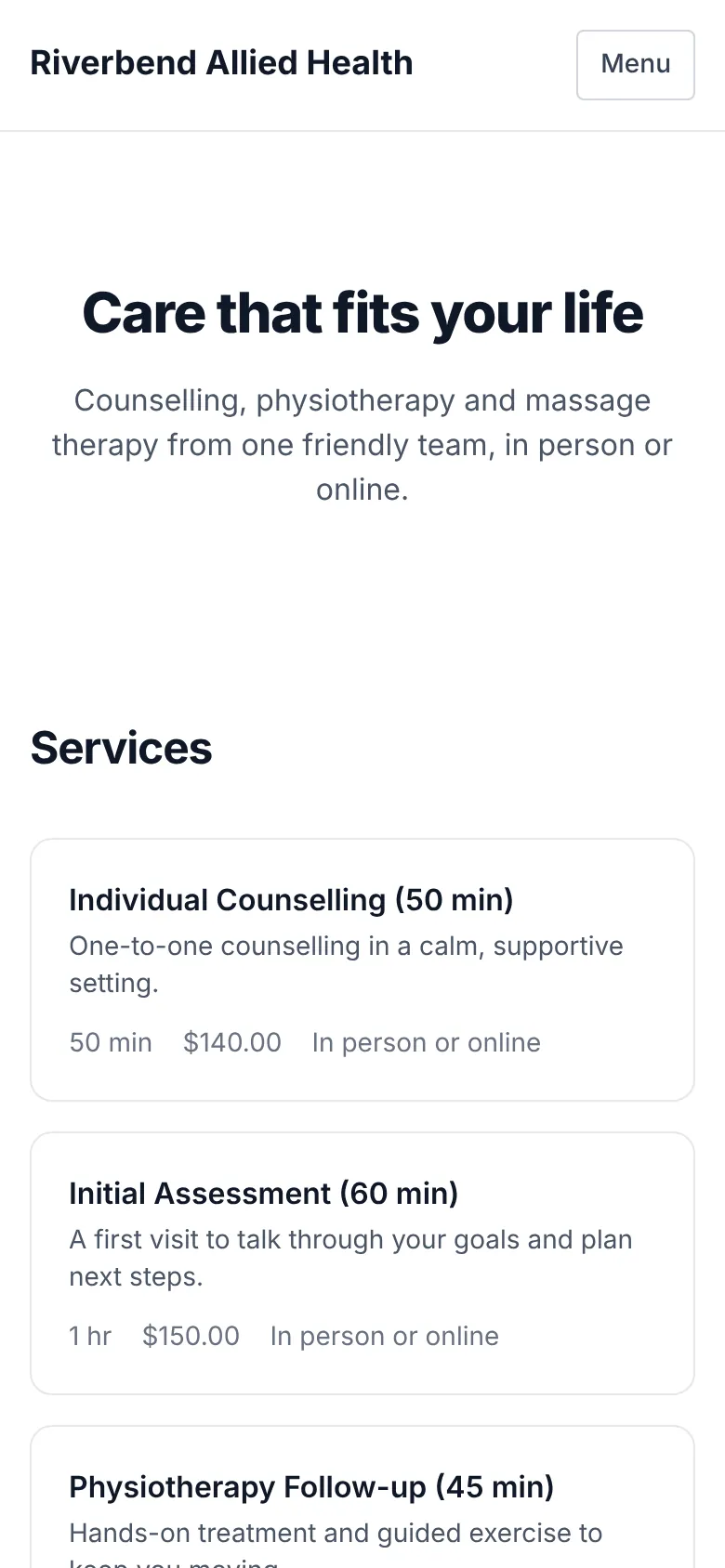
Clients find your practice's website, register once, and book a time that works. They can see their upcoming appointments, reschedule or cancel, and keep their details up to date. Your practice is the PRAMSO customer; clients never need to buy anything from PRAMSO.
Security and privacy
Careful with client information
Client information is sensitive. PRAMSO is built so each person sees only what they should.
Protected staff sign-in
Staff areas require you to sign in, with multi-factor authentication for staff accounts.
Role-based access
Team members see what their role allows inside the practice, and nothing more.
Practices kept separate
Each practice's information is kept separate from every other practice's.
Clients see their own
A client can only see and change their own appointments and details.
Payments through Stripe
Online payments are taken on Stripe's checkout, so card details are handled by Stripe.
Pricing is being finalized
We have not published plans or prices yet, and we will not guess at them. Create an account to set up your practice and look around.
Set up your practice on PRAMSO
Create an account to start setting up your schedule, services and practice website. Your practice stays private until you choose to publish it.