For practitioners
Less admin between sessions
PRAMSO keeps your schedule, client information, billing and online booking in one place, so the work around the session takes less of your day.
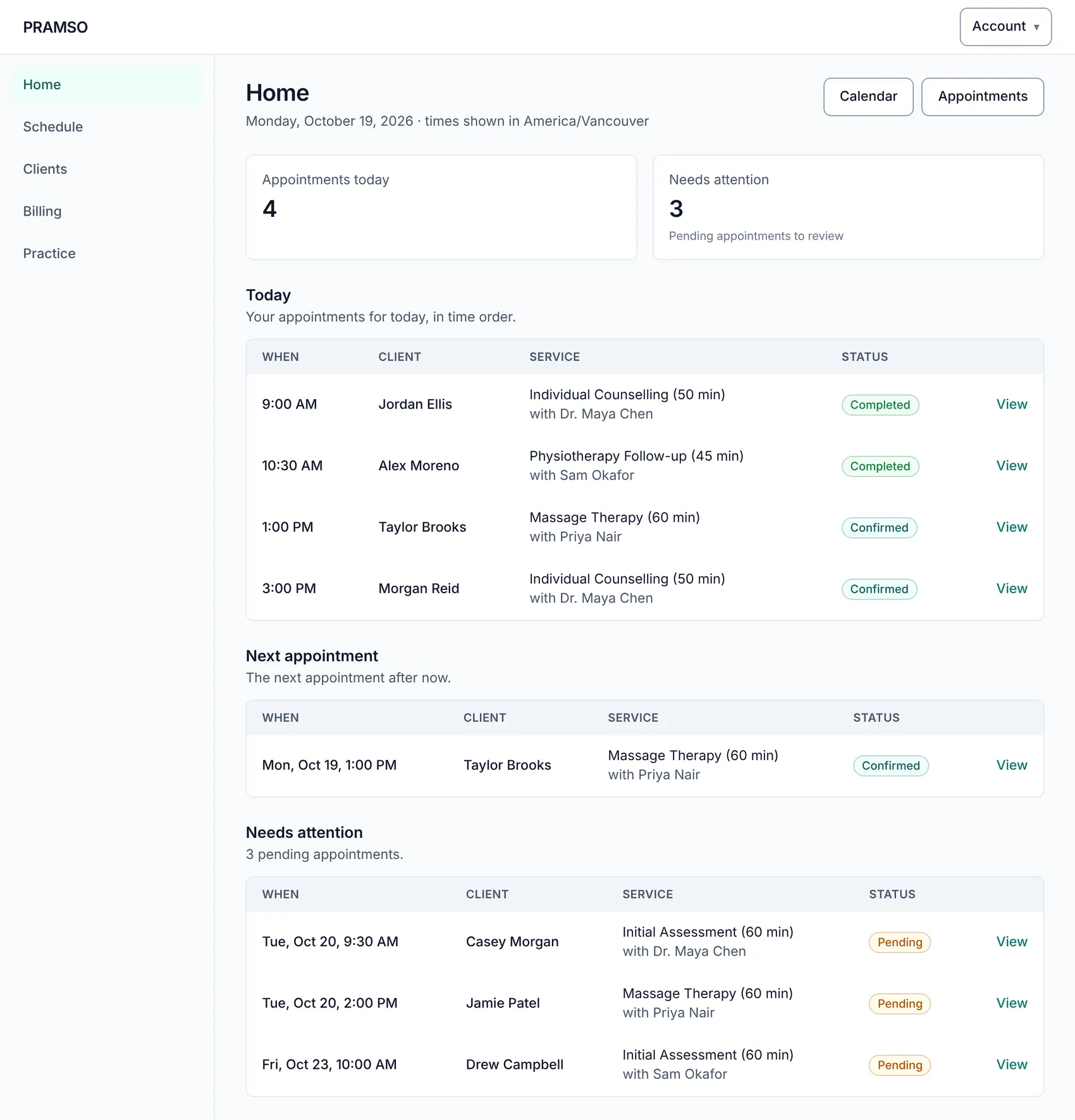
A typical week
From availability to payment
Each step uses what you already entered in the one before.
Set your hours and services
Add the services you offer with their length and price, then set your weekly availability.
Clients book online
Clients choose a service and a time from your practice website, within the availability you set.
Start your day from Home
See today's appointments and anything pending, and confirm, reschedule or cancel as needed.
Invoice and record payment
Create the invoice, record payments, and let clients pay online if you have connected Stripe.
Different practices, same tools
Set up to match how you work
PRAMSO does not assume a profession. You describe your services, hours and wording, and it follows.
Counsellors and therapists
Physiotherapists and chiropractors
Massage therapists and other allied health
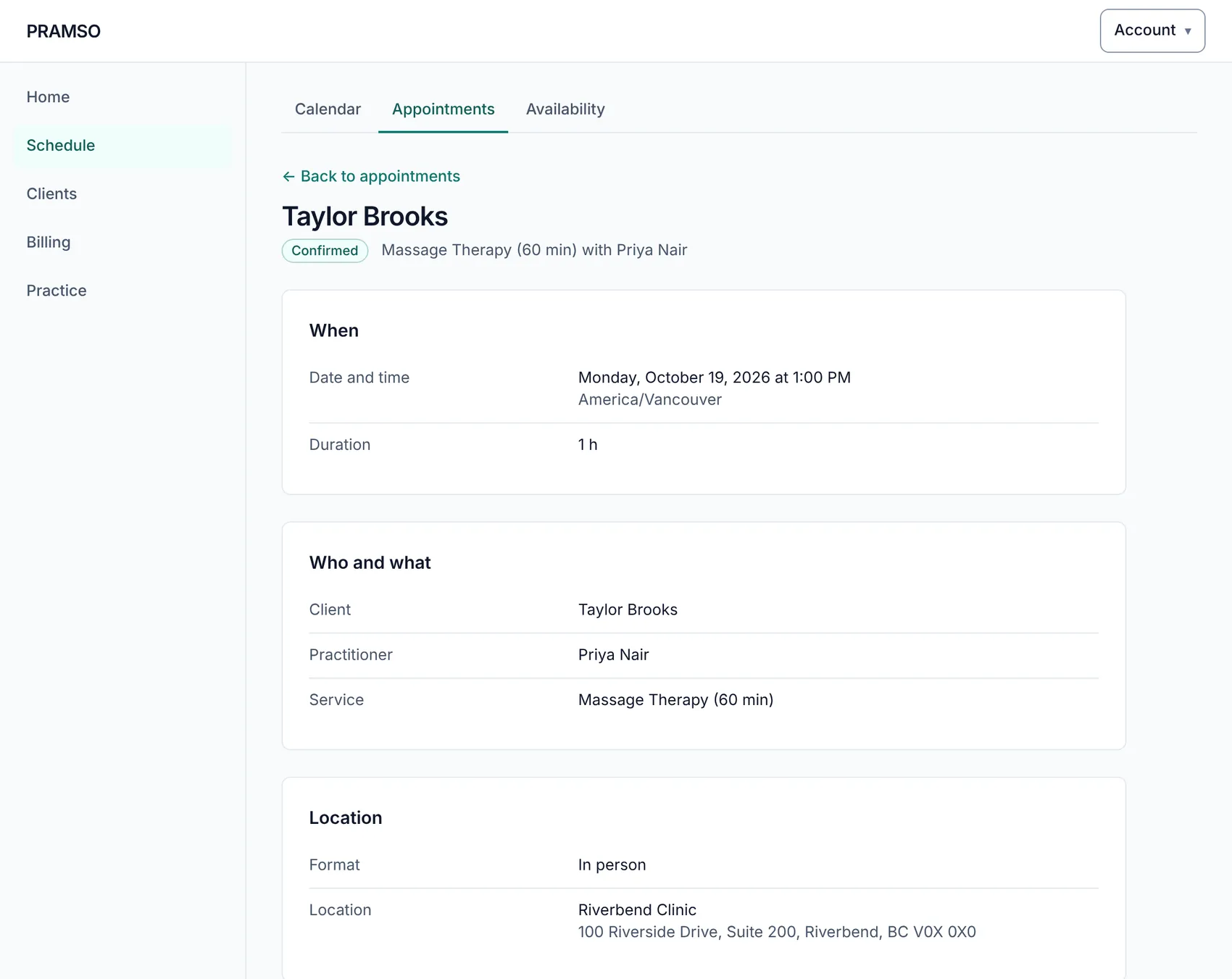
Appointments
Every appointment in one place
Open an appointment to see when it is, who it is with and where. Confirm it, move it, cancel it, or mark it completed or a no-show afterwards.
- Pending appointments are easy to spot on Home
- Statuses that follow the appointment from request to completed
- A calendar for the week, with blocked time shown
Solo or clinic
Works for one practitioner, and for a team
Practising on your own
Running a clinic
Set up your practice on PRAMSO
Create an account to start setting up your schedule, services and practice website. Your practice stays private until you choose to publish it.